Release 3.10
Advanced Filter UI for Permutations Table
Affected users: All users
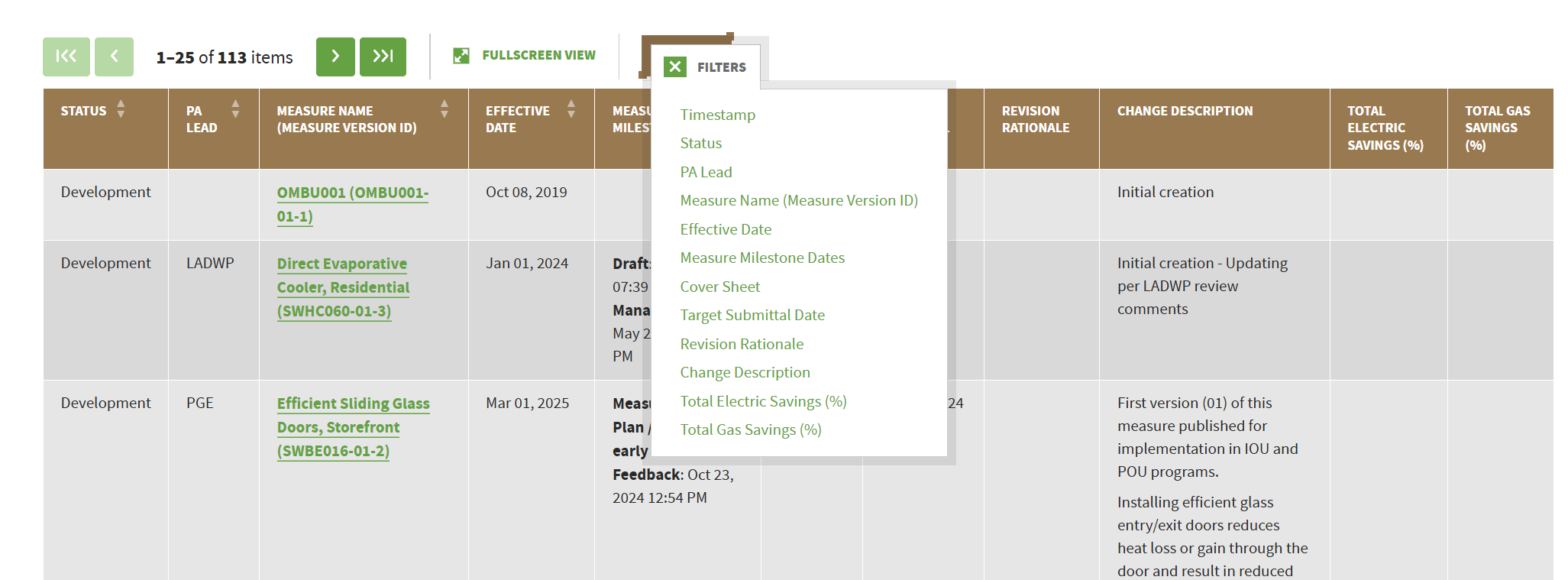
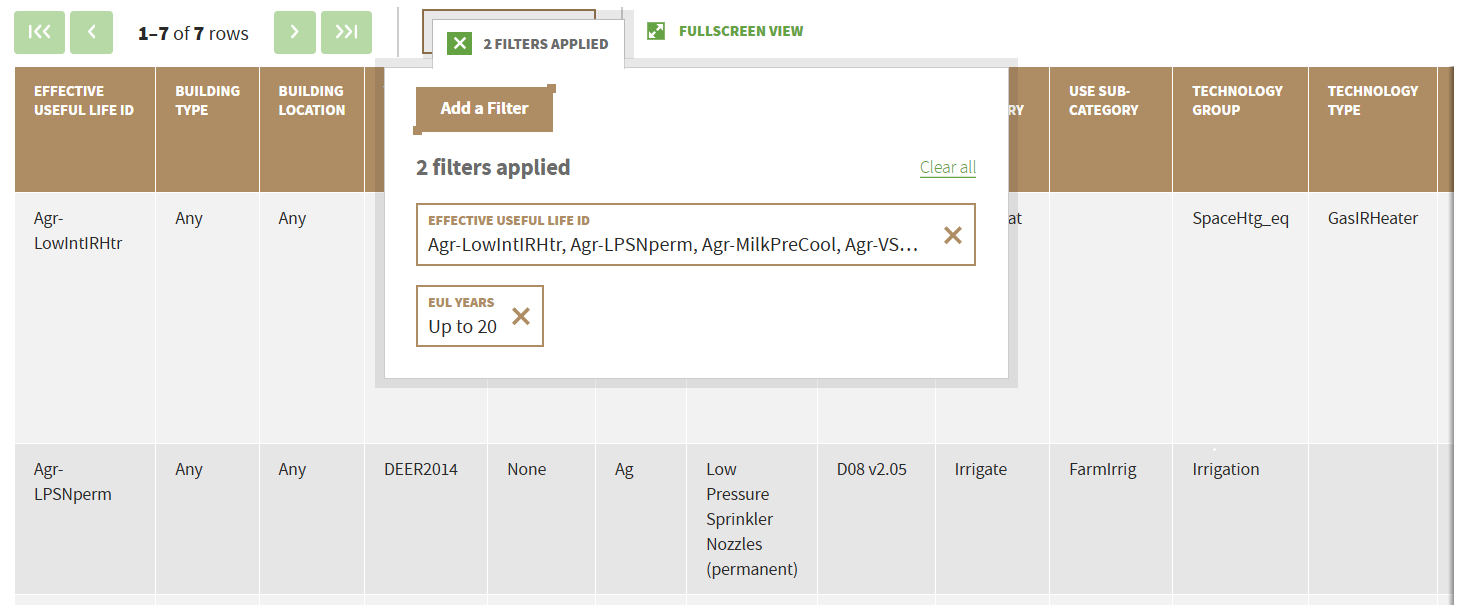
Features: Permutation table now supports the same advanced filtering capabilities available for CPUC Support Table, Shared Value Table, and Measure Value Table. New filtering capabilities include:
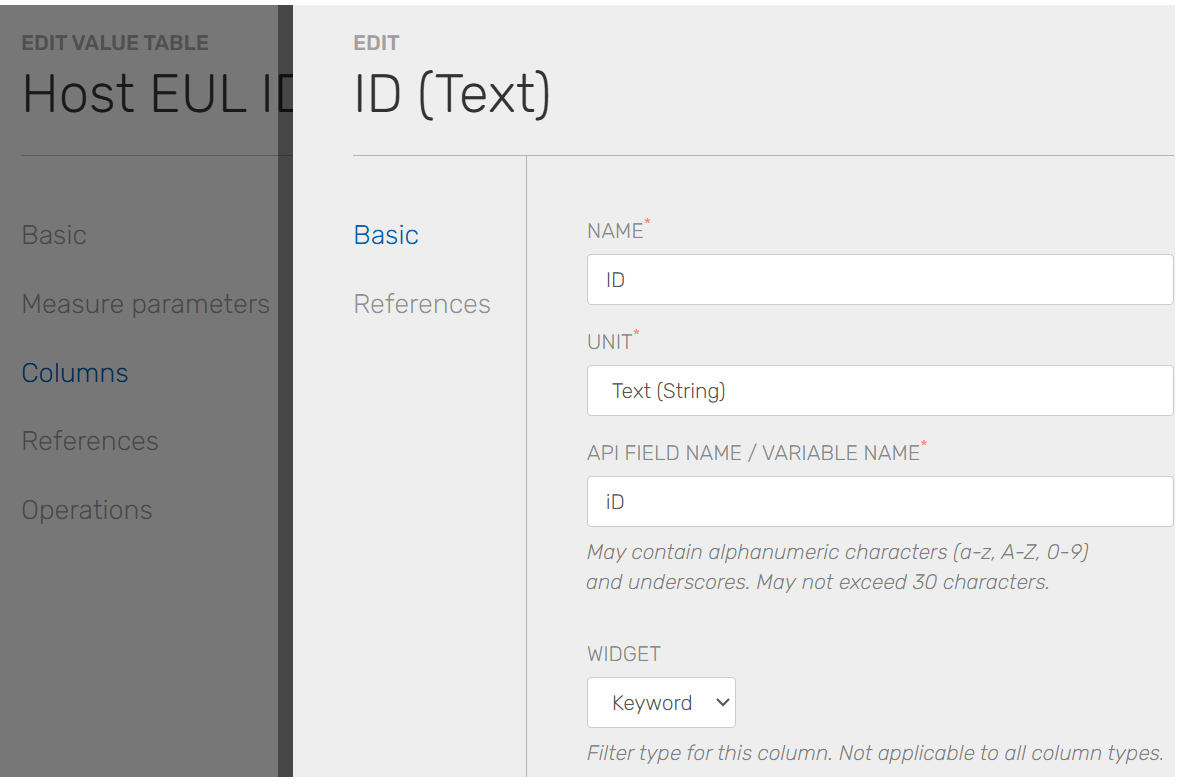
Multiple-choice, keyword (up to 5 keywords), numerical range, single choice, and date range filtering widgets. Widget depends on the column's data type and the system configuration.
Support filtering across all table columns
Apply filters from either the main table view or the Fullscreen View (formerly Advanced Fullscreen View)
Export filtered results
Share/persist a filtered view by saving the page URL.
Training Resources: Find Measure Permutations

Advanced Customization for Custom Permutation Report
Affected users: All users
Features: Users can now use the advanced filter UI to create, customize, and save custom permutation reports
Apply filter when creating custom permutation report (in addition to being able to select the permutation columns)
Saving custom report for a particular measure or across all measures in eTRM
Training Resources: Create a Customized Permutation Report
Advanced Filtering UI for Measure Development Report
Affected users: All users
Features: Measure Development Report now supports the same advanced filtering capabilities available for CPUC Support Table, Shared Value Table, and Measure Value Table. Users can create and save customized report views to track the measure development activities most relevant to them. Additional enhancements to report customization and tracking capabilities will be introduced in a future release.